From classic sprawl to a governed, Copilot-ready SharePoint.
Consulting, migration, intranet design, governance, training and managed support, delivered by one accountable team from the first inventory to the day people actually use it. Every engagement starts with a free 45-minute assessment, so the price and timeline rest on what you have rather than on a guess.
- 13SharePoint service linesassessment to managed support
- 8–14 wksMid-market estate migrated500 to 2,000 seats, in waves
- 4Role-based training tracksend user to administrator
- < 24 hrReply to every enquiryassessment inside a week
You probably need this if —
- People email files instead of linking them
- Search returns everything except the thing
- "Everyone" has edit access to something
- You are still on SharePoint 2016 or 2019
- Security paused your Copilot rollout
- Nobody opens the intranet you paid for












You cannot govern a SharePoint estate nobody has counted.
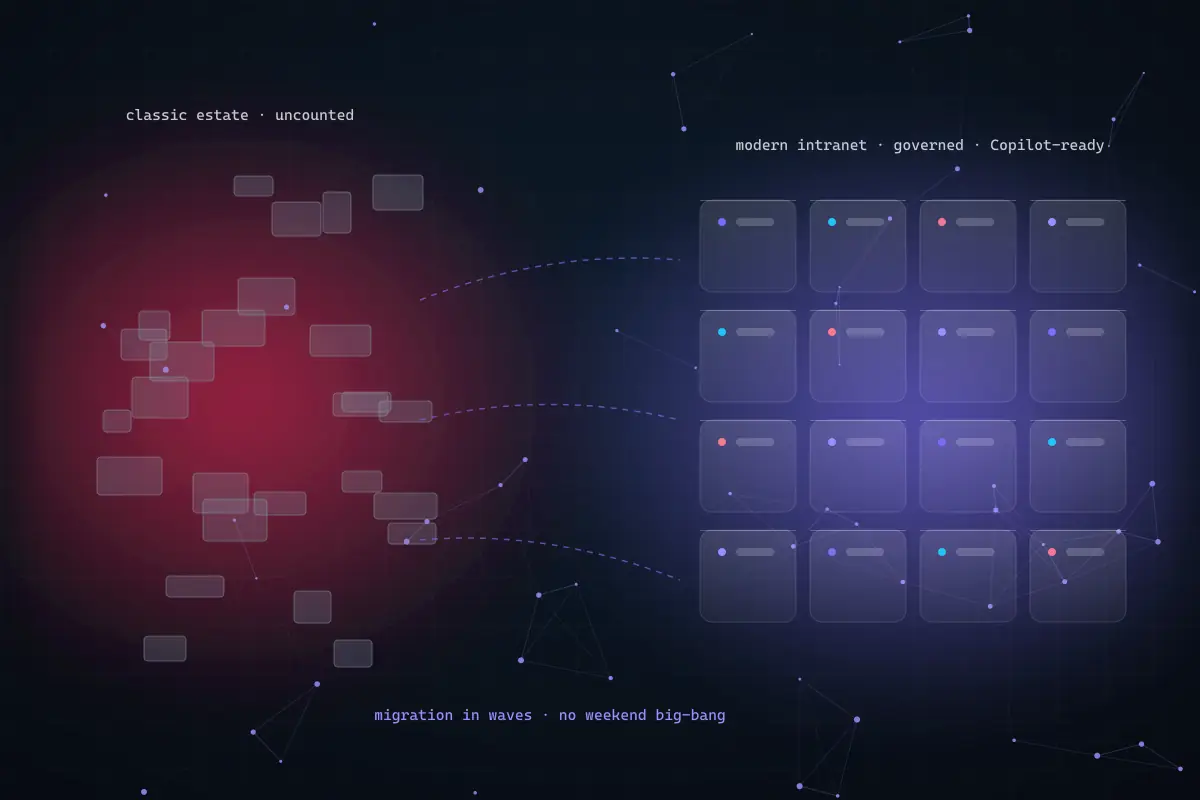
The order of work is what makes a SharePoint migration hold: inventory first, permissions and information architecture next, waves after that, and Copilot last. Hover any node to see the stack behind it, then score your own estate in the readiness scorecard.
SharePoint migration & Copilot-readiness scorecard
Tick every statement that is true for your estate today. The score is an indicative read on how much of the work sits before the migration, not after it.
Each statement describes a gap we find in real assessments. Select the ones that apply and we will grade the estate and suggest the first step.
Every SharePoint service, under one engagement.
Take the whole sequence or a single workstream. Each line below is delivered by people who have done the one before it, in the order that makes it hold.
- 01
SharePoint Consulting & Estate Assessment
An inventory of every site, library, Team and flow with an owner, a last-activity date and its sharing state, usually the first time anyone has seen the estate on one page. From it: a target architecture, a licensing recommendation and a costed roadmap that is yours to keep.
- Estate inventory & keep / archive / retire classification
- Target architecture & staged roadmap
- Licensing advisory (E3 / E5 / Copilot)
- 02
SharePoint Online Migration
Waved migration from SharePoint Server, file shares, Google Drive, Dropbox, Box, Slack, Confluence or another tenant, with permissions, metadata, timestamps and version history preserved. Business units cut over one at a time, with a rollback path at each stage.
- Full-fidelity copy · ShareGate, AvePoint, Migration Manager or SPMT at cost
- Item-count and checksum reconciliation before source closure
- Redirect strategy and link remediation as a scoped task
- 03
Intranet Portal & Information Architecture
A branded communication site with a real news and audience-targeting model, hub navigation modelled on search behaviour and Viva Connections inside Teams. Design starts with card sorting and search logs, not a colour palette, because the wrong navigation still goes unopened.
- Hub & spoke structure, managed metadata, content types
- Viva Connections in Teams and a working mobile experience
- Search tuning, promoted results and governed site templates
- 04
Governance, Permissions & Security
Oversharing links, broken inheritance, stale guest access and orphaned sites remediated against a documented target model rather than case by case, so it stays fixed. Sensitivity labels, Microsoft Purview policy and a site lifecycle that survives us leaving the room.
- Permission & oversharing remediation per site
- Sensitivity labels, retention and Purview policy
- Governed provisioning, ownership attestation and reporting
- 05
Microsoft 365 Copilot Readiness
Copilot inherits SharePoint permissions exactly as they stand: it makes existing access visible rather than widening it. We run the data exposure review, remediate what it finds, apply labels and set the lifecycle policy before a single Copilot user is onboarded.
- Data exposure review: what Copilot can see today
- Organisation-wide and anonymous link remediation
- Labelling and pilot readiness sign-off for security
- 06
Training, Adoption & Managed Support
Four role-based tracks for end users, power users, site owners and administrators, on site, virtual-live or self-paced, with a champions programme and adoption measured against a baseline. Afterwards, an SLA-backed desk and quarterly governance review, on estates we built and estates we inherited.
- Four role-based training tracks and quick-reference guides
- Adoption baseline and measurement per wave
- SLA-backed support desk and quarterly permission review
SharePoint modernisation by sector: same platform, different constraints.
What changes between sectors is retention, residency, audit and who is allowed to see what, which is exactly the part that determines the architecture.
01 · problem statement
Financial services
An unsupported SharePoint Server estate that previous vendors called too complex to move, sites with no attested owner, records retention that lives in a policy document rather than the platform, and a regulator who expects an immutable audit trail and eDiscovery on demand.
02 · deployed architecture
Full estate inventory and keep / archive / retire classification, a permission target model remediated ahead of each wave, full-fidelity migration to SharePoint Online with version history intact, then Purview retention labels, records policy and a governance runbook that leaves every site with a named owner.
- SharePoint Online
- Microsoft Purview
- ShareGate
- Entra ID access reviews
- Power Automate
03 · what we measure
- Sites with an attested owner
- % of estate
- attested on a schedule, reported quarterly
- Organisation-wide sharing links
- count remaining
- quantified at assessment, tracked to zero
- Items reconciled per wave
- % by count and checksum
- source stays read-only until the wave reconciles
We publish the metrics we baseline and report against, not headline percentages. Results are measured in your tenant against a pre-migration inventory and reported quarterly, including the quarters where a number did not move.
What a findable, governed SharePoint is worth to your team.
Your inputs, our arithmetic. Move the sliders to the numbers you believe about time lost hunting for files, emailing attachments and rebuilding documents that already exist, and treat the result as a hypothesis to baseline.
your estimate · per year
estimated value of hours returned, per year
- Hours returned per year
- 22,080
- FTE-equivalent capacity
- 13.0
Assumes 46 working weeks and 1,700 productive hours per FTE. Microsoft 365 licences and migration tooling are not included. This calculator publishes the arithmetic; it does not forecast your outcome.
Baseline this with usThree ways to work with us.
Not sure which fits? The free assessment ends with a recommendation, including the case for doing nothing if that is the honest answer.
- Start here · free01
SharePoint assessment
Forty-five minutes on your tenant with you. Sharing posture, rough estate size, oversharing risk and a staged path. Nothing to install, no obligation, and the findings are yours whether or not you engage us.
- Commitment
- None
- Turnaround
- Inside a week
- You receive
- Findings + staged path
- Fixed-price project02
Scoped delivery
Migration, implementation, intranet build or a remediation programme delivered against an approved scope with a price agreed before work starts. Best where the outcome is well defined and you need budget certainty.
- Priced
- After assessment
- Change control
- Written, agreed
- Suits
- Defined outcomes
- Retainer03
Managed support
Ongoing administration, governance reporting, quarterly permission review and an SLA-backed desk. Available on estates we built, and on estates another vendor built and walked away from.
- Term
- Rolling, 30-day exit
- Reporting
- Quarterly governance
- Suits
- No internal SharePoint owner
We do not publish rate cards, because a number without your estate behind it is guesswork that someone eventually has to walk back. What we do publish is the method: assess first, fix the price second, deliver against it third. The free assessment ends with a firm timeline and price, and we will tell you if Microsoft partner funding applies to your case.
What clients say about the SharePoint estates we have modernised.
Real feedback from real engagements across migration, governance, intranet design and Copilot readiness, and the operating change that makes a migration hold.
“Congnivex took our SharePoint 2016 estate — which we had been told was too complex to migrate — and had us live on SharePoint Online in eleven weeks. The governance model they left behind meant we finally had an owner for every site, and the oversharing report alone was worth the engagement.”
Before & after: the estate that drifted
- Site ownership
- Named and attested on a schedule
- orphaned sites become the exception
- New sites
- Provisioned from a governed template
- owner, purpose and review date captured
- Permissions
- Remediated against a documented target model
- validated per site before each wave
- Navigation
- Follows how people actually search
- card sorting and search logs first
Illustrates the operating change on a typical inherited SharePoint estate, not a client’s figures. Measured outcomes are reported against your own pre-migration inventory.
Verification & alignment
- Microsoft Solutions Partner — Modern Workpartner
Designation earned on measured delivery performance and certified staff across Microsoft 365 and SharePoint.
- Microsoft co-sell partner · MCI / ECIFpartner
Eligible assessments and migrations may be part-funded through Microsoft partner programmes where you qualify.
- Essential Eight · ISO 9001 / QMS document controlcompliance
Governance and records design aligned to ACSC Essential Eight and ISO 9001 or QMS-grade document control where they apply to you.
- Privacy Act · DPDP Act 2023 · DIFC/ADGMcompliance
Data residency in Australia East and Southeast, India regions or Azure UAE North and Central; Multi-Geo where you need it.
- Reconciled before the source closespractice
Every wave verified by item count and checksum, with the old location read-only for an agreed window so there is always a way back.
- Your tenant, at-cost tooling, no lock-inpractice
Migration tooling billed at cost and never marked up; managed support is optional and never a condition of delivery.
SharePoint modernisation, answered.
The questions we are asked in almost every first call, including the one about cost, answered as honestly as it can be before we have seen your estate.
A single team site takes two to four weeks. A mid-market estate of 500 to 2,000 seats typically runs eight to fourteen weeks: two weeks assessing, two building the target, five or six migrating in waves, and the balance on training and handover. Enterprise estates above 5,000 seats commonly run three to six months. Duration is driven by content volume and the number of business units needing separate cutovers, far more than by raw file count, which is why the assessment fixes the timeline before delivery starts.
Not unless you choose to. Full-fidelity migration preserves permissions, metadata, timestamps and version history, and every wave is reconciled by item count and checksum against the source before the old location is closed. Some organisations deliberately drop version history on archival content to reduce storage and migration time. That is a decision made openly during assessment, not a surprise discovered afterwards, and it is written into the scope so nobody has to explain it later.
No. Content is copied while people keep working, and only a short read-only window is needed for the final delta pass on each wave, usually an evening or a weekend agreed with that business unit rather than imposed on it. Because we migrate one unit at a time, the old location stays read-only for an agreed window after each cutover, so there is always a way back. Cutovers happen in your business hours across Australia, India and the UAE, not ours.
Copilot honours SharePoint permissions exactly as they stand, so it makes existing over-permissive access visible rather than widening it. Before switching it on you need a data exposure review, remediation of organisation-wide and anonymous sharing links, an owner assigned to every site, sensitivity labels on the content that matters, and a site lifecycle policy. This is the prerequisite most Copilot rollouts discover too late, usually when security pauses the pilot while the licences keep billing. We run the review before a single Copilot user is onboarded.
SharePoint Online for most organisations, and the honest reason is capability: Microsoft 365 Copilot, Viva Connections and the full Microsoft Purview controls only exist there. SharePoint Server 2016 and 2019 reached end of extended support on 14 July 2026, so those versions no longer receive security updates. The supported on-premises option is now Subscription Edition, which we recommend only where there is a genuine sovereign or air-gapped requirement rather than a preference. Hybrid is a transition state, not a destination, and we say so during assessment.
Every engagement is scoped individually, so we quote after an assessment rather than guessing beforehand. We work in three commercial models: a free assessment, a fixed-price project and a managed support retainer. The variables that move the number are seat count, data volume, number of sites and site collections, depth of legacy customisation, workflow and integration count, training scope, and any compliance or data-residency requirements. Book the free assessment and you receive a firm timeline and cost. Migration tooling licences are billed at cost and never marked up, and Microsoft MCI or ECIF funding may apply.
Reviewed 6 September 2026 by the Congnivex Systems Microsoft practice · Next review March 2027 · Support-lifecycle dates sourced from Microsoft Learn